
What-If Audits and Planned Courses
Your roadmap to graduation starts here! Check out myAudit by logging in to Carleton360 and selecting “myAudit” from the important links menu. Watch your progress grow and stay on track!
‘What-If’ audits allow you to explore different program elements (minors, majors) to see how your current and previously completed courses will fit the requirements for those programs. Try it out before you officially make a change to your program. If you like the results, you can submit an application to change your program elements (COPE) in Carleton Central (log in through Carleton360).
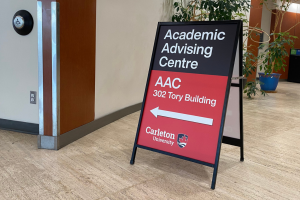
You may want to go over your “What-If” audit with an advisor in the Academic Advising Centre before you make a request to change your program. They will help you get the most out of this great tool! Visit the Academic Advising Centre website to contact them via email, request a virtual appointment or for their drop-in advising hours. Office hours are Monday to Friday from 8:30 a.m. to 4:30 p.m.
Additionally, the planned courses option helps you determine what courses you should register in for the upcoming year. It allows you to add hypothetical courses to your audit to see where courses should fit into your degree requirements prior to registration. You can even assign grades to your hypothetical courses to determine how your CGPA will change, if you succeed at obtaining your goal in that hypothetical course.
Remember: Adding a hypothetical course is not the same as registering in a class.